
Browser extension · Chrome
Unsubly
Clear out Gmail's newsletters in one pass
Gmail's subscription manager unsubscribes one sender at a time: open the row, unsubscribe, confirm, wait. Unsubly adds a panel to that same page — you tick the senders you want gone and it works through them. Press keep on the lists you read and they are locked out of every future run.
What it does
- Unsubscribes from every selected sender in a single pass
- Protected-sender list keyed on the address, not the display name
- Progress screen with a cancel that stops within a second
- No account, no server, no network requests — it all stays in your browser
- 12 languages · Manifest V3 · MIT licence
Screens
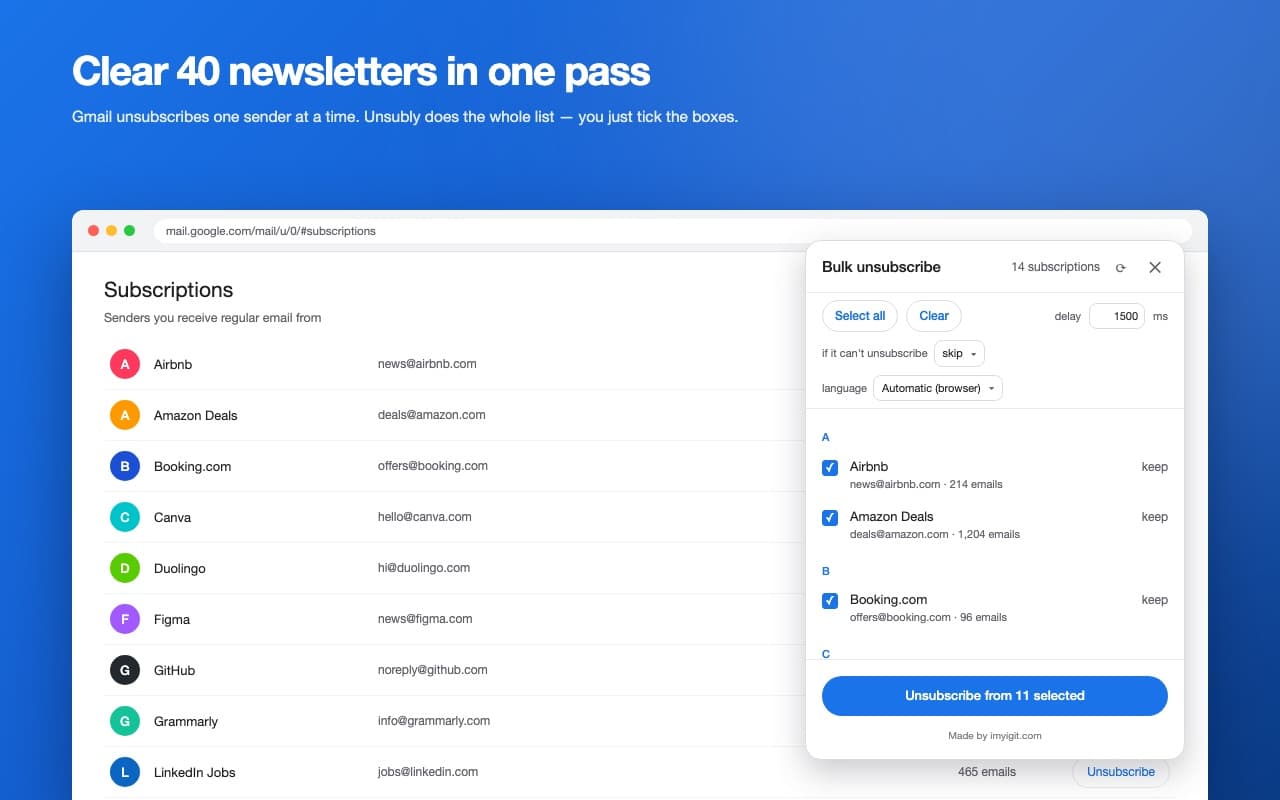
Tick the senders you want gone and clear them in one press.
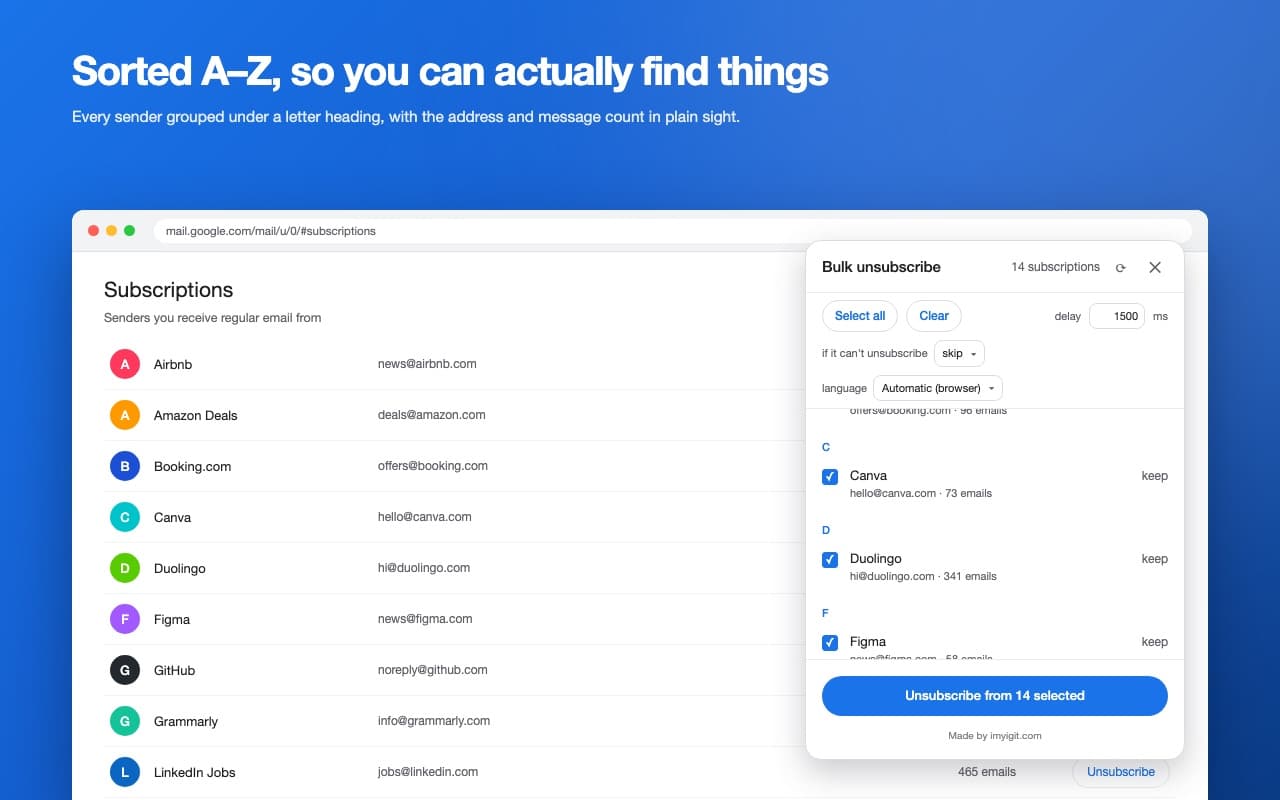
Senders sit under letter headings, sorted with your locale's alphabet.
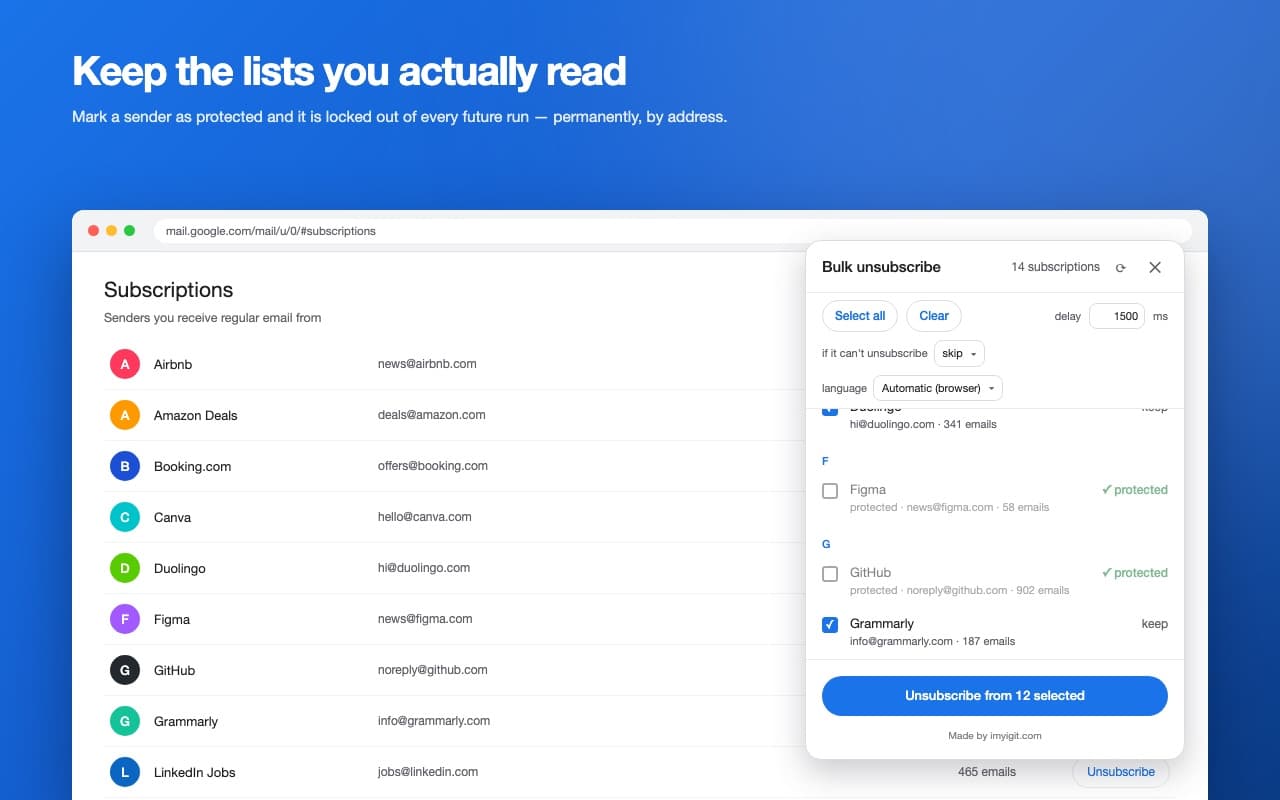
A sender you keep is locked by address and stays out of every later run.
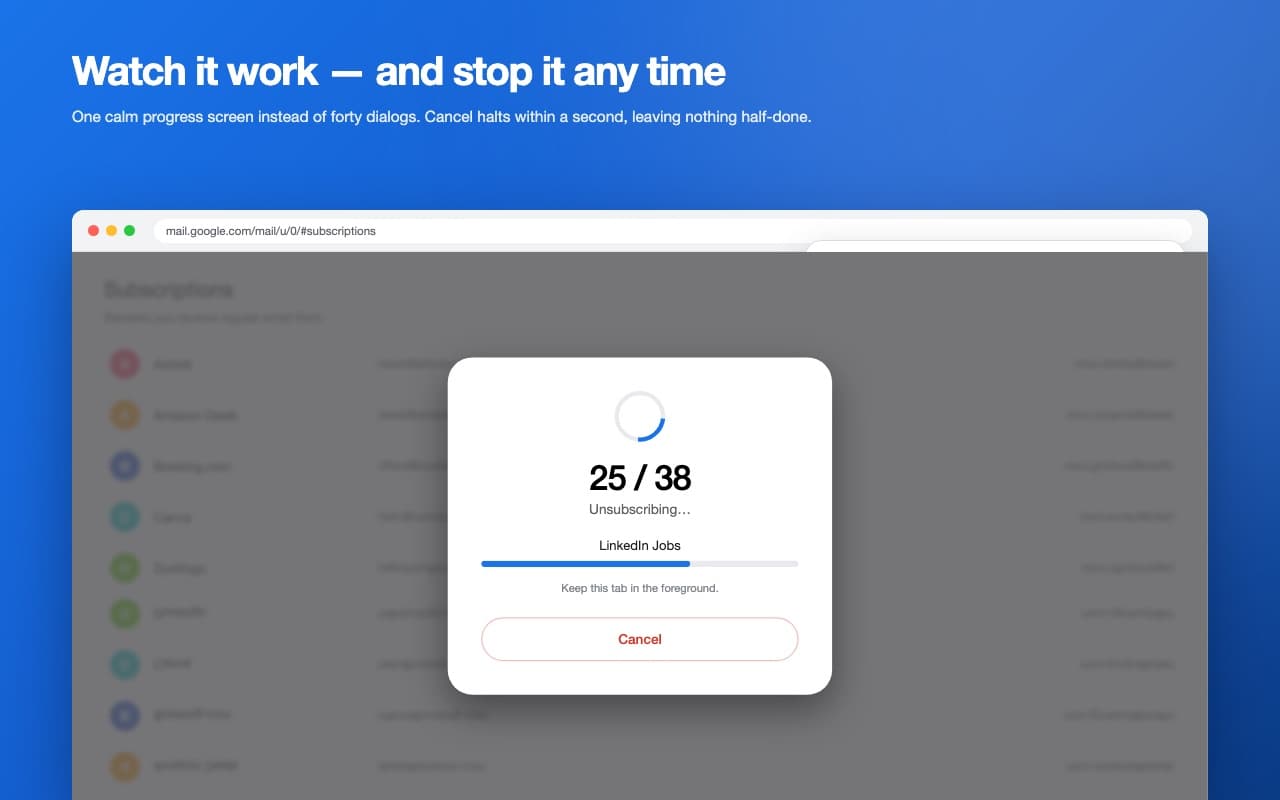
One progress screen: where the run is, and a cancel that stops within a second.
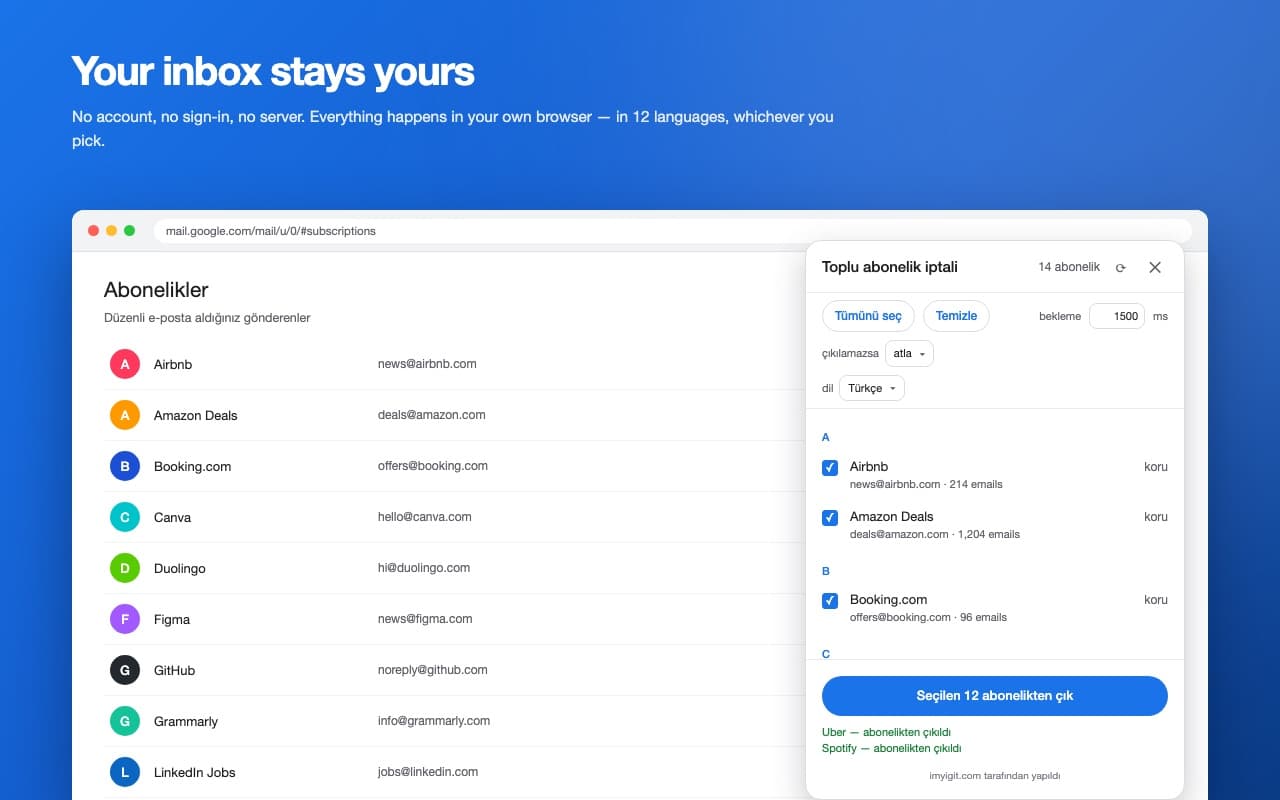
12 interface languages, all bundled — nothing is fetched from outside.
Permissions, and why
Chrome asks for these at install time. Each one is listed below with the reason it is needed — nothing beyond them is requested.
storageTo keep your protected senders, your chosen interface language and your fallback preference on your own device.
https://mail.google.com/*To draw the panel on the Subscriptions page, read the sender rows Gmail has already rendered, and press Gmail's own unsubscribe button for the senders you selected.