
Browser extension · Chrome
Prompt Deck
Your prompt library for Google Flow
A Chrome extension that stores your frequent prompts and drops them into Google Flow in one click. Installs free from the Chrome Web Store.
What it does
- Live on the Chrome Web Store
- Prompt library with quick insert
- Free
Screens
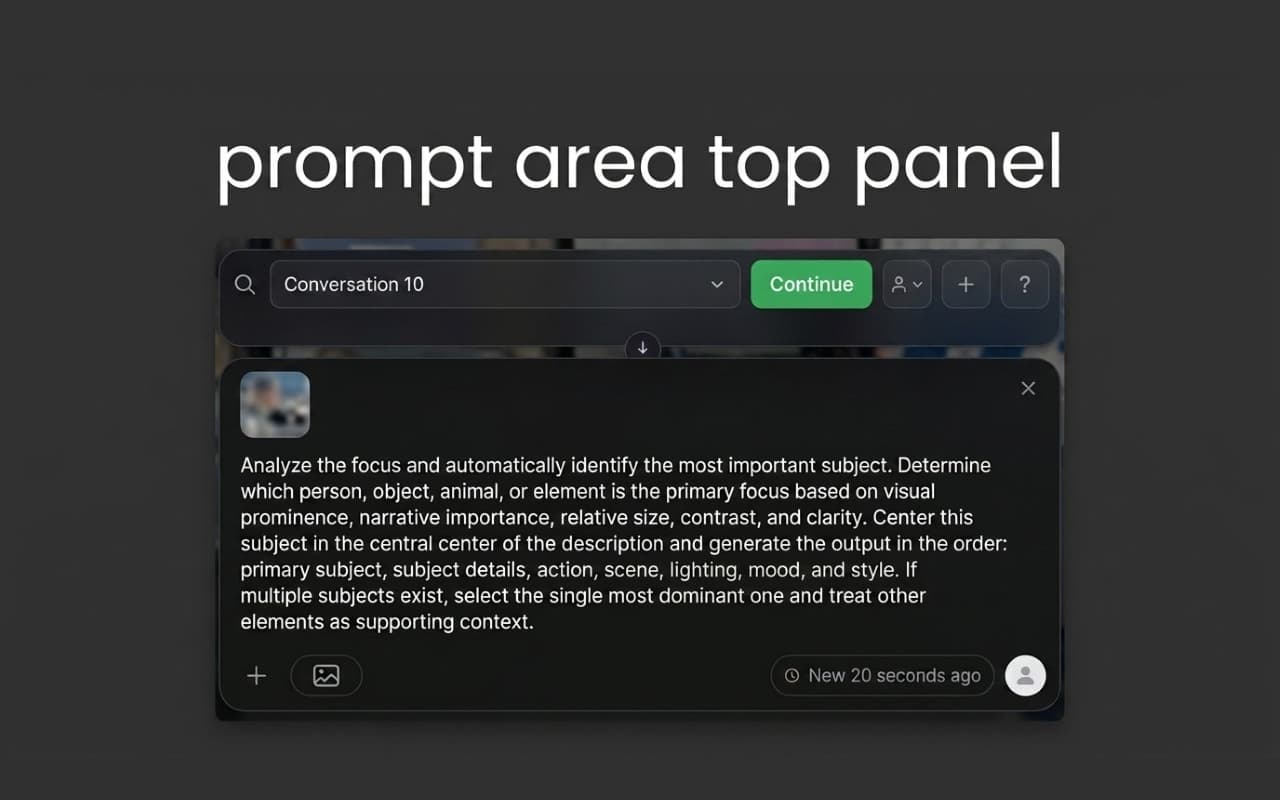
Your prompt library: save, categorise and drop into any input in one click.
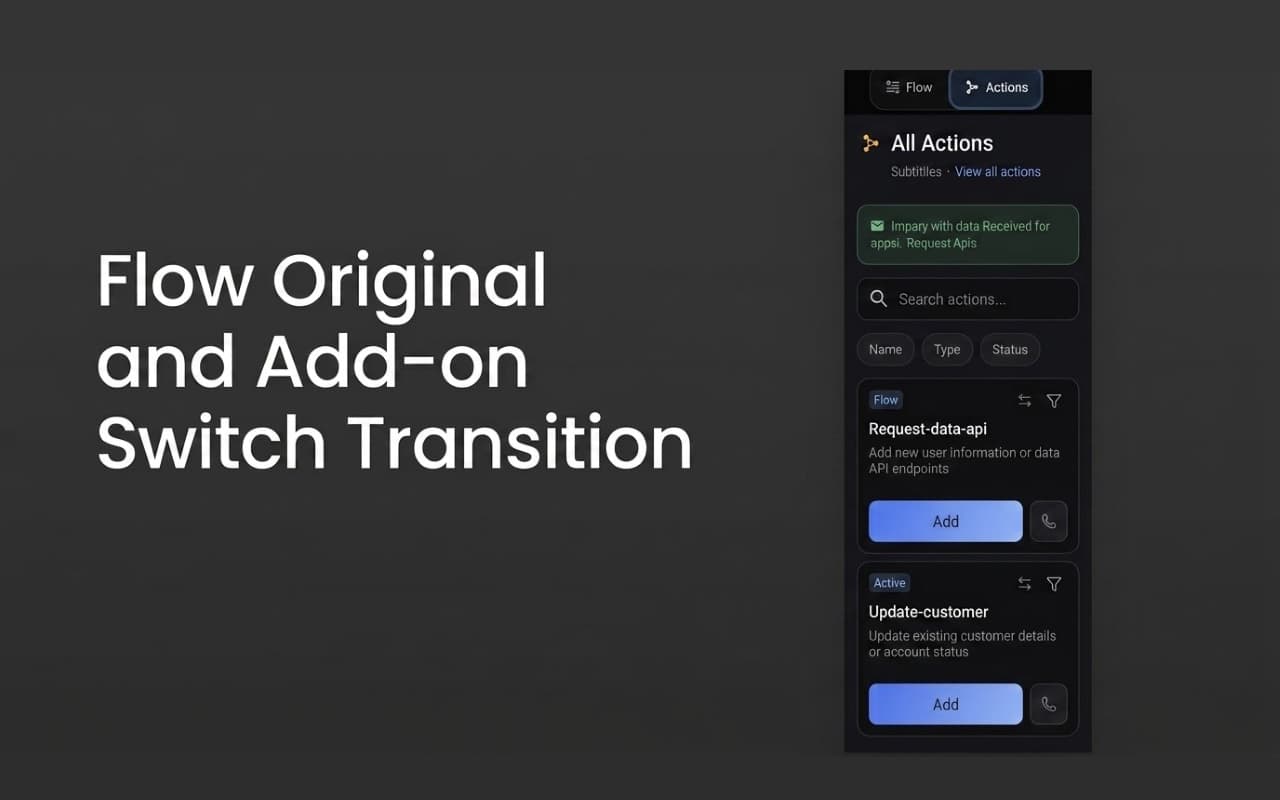
Site actions: define a repeated sequence once, then run it with one press.
Permissions, and why
Chrome asks for these at install time. Each one is listed below with the reason it is needed — nothing beyond them is requested.
storageTo keep the prompts, categories, site actions and panel preferences you saved on your own device.
tabsTo find the active tab and write your chosen prompt into its input. Tab contents are not read or sent anywhere.
activeTabTo act only on the tab you are looking at, when you press the extension's icon.
<all_urls>The prompt library is not tied to one site, so it asks for broad access to open the panel wherever you need it. That access is used only to draw the panel and write the text.