
Browser extension · Chrome
Canva Multi-Mod
Supercharge your Canva workflow
A Chrome extension that brings multi-editing and pro filters into one panel inside Canva. Installs free from the Chrome Web Store.
What it does
- Live on the Chrome Web Store
- Manifest V3 — current Chrome security model
- Free
Screens
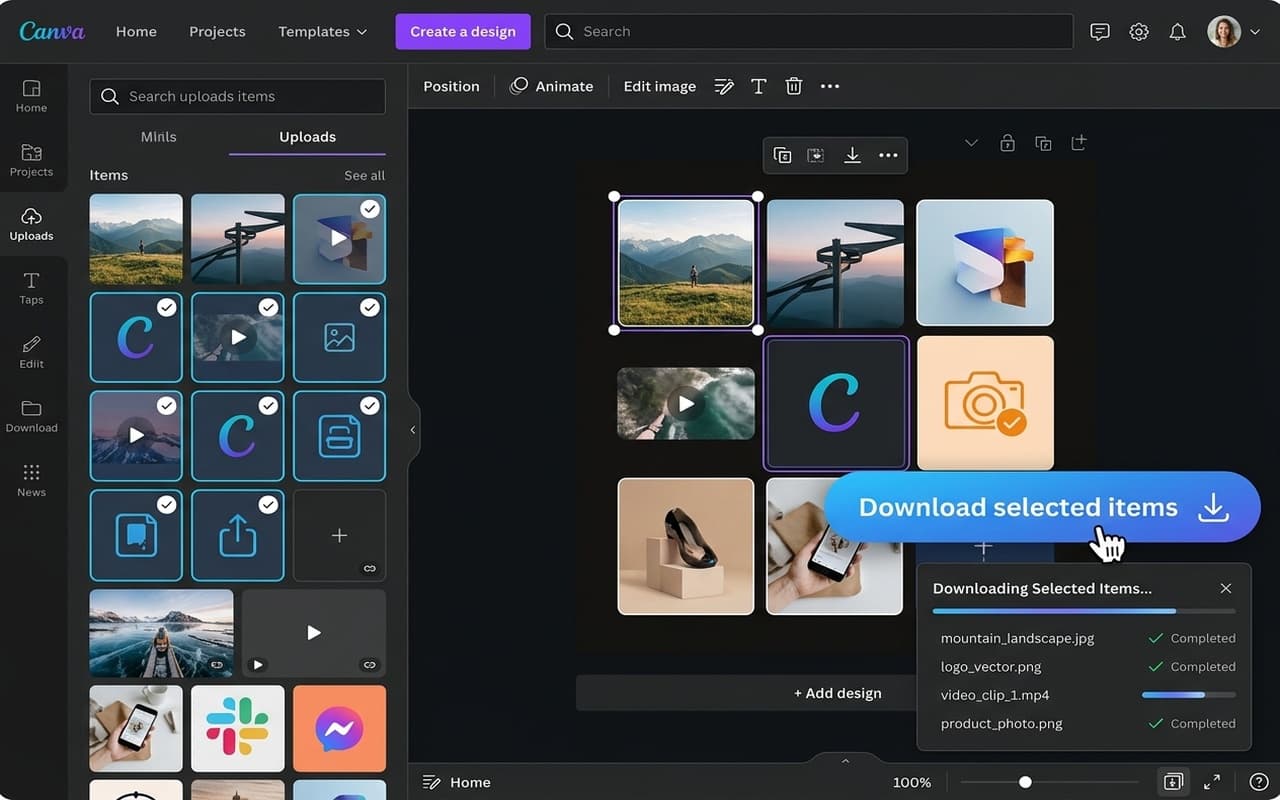
Pro filter and multi-download in one panel inside Canva's own interface.
Permissions, and why
Chrome asks for these at install time. Each one is listed below with the reason it is needed — nothing beyond them is requested.
storageTo keep your settings — whether the Pro filter is on, and which options you ticked — on your own device.
tabsTo find your open Canva tab and pass a setting change to it. Tab contents are not read.
downloadsTo download the folder items you selected in one go and to see that the download started.
https://*.canva.com/*To place the panel in Canva's interface, hide Pro content, and collect the items you selected.