
Three lighting setups
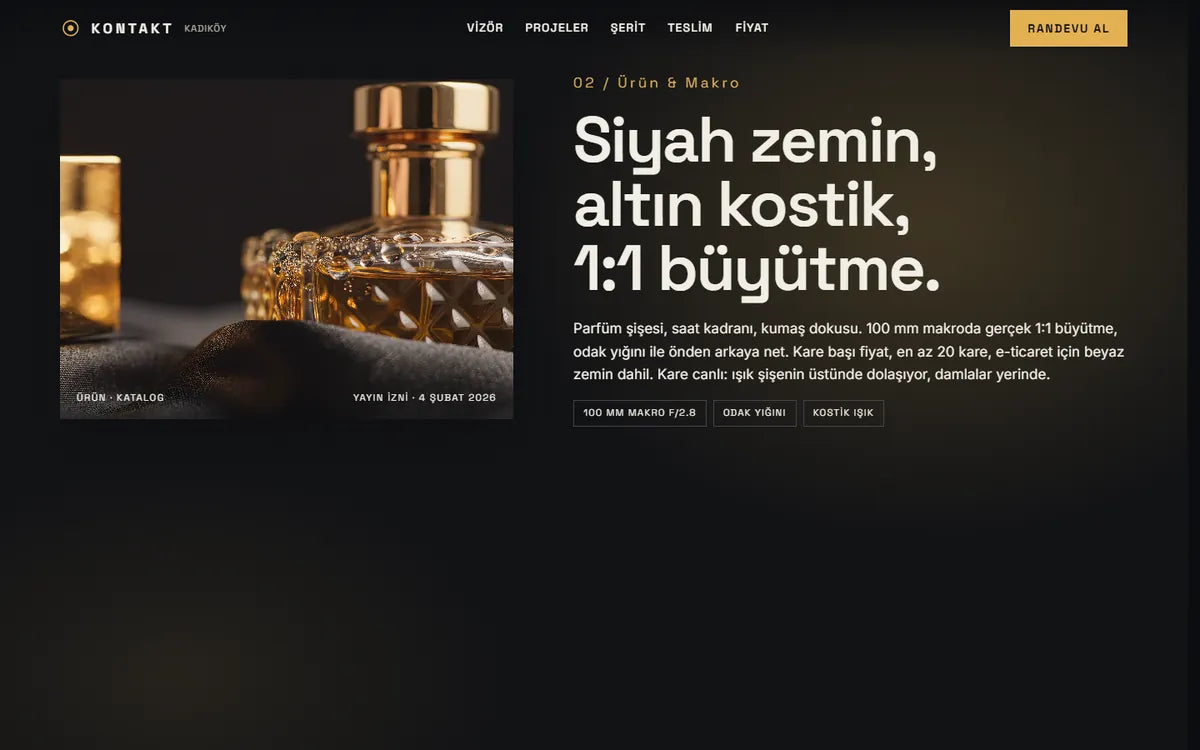
Fashion, product and architecture projects each list the lens, the light and the publishing permission date.

See the same scene through five lenses from 24 to 100 mm, then read prices and book a shoot.
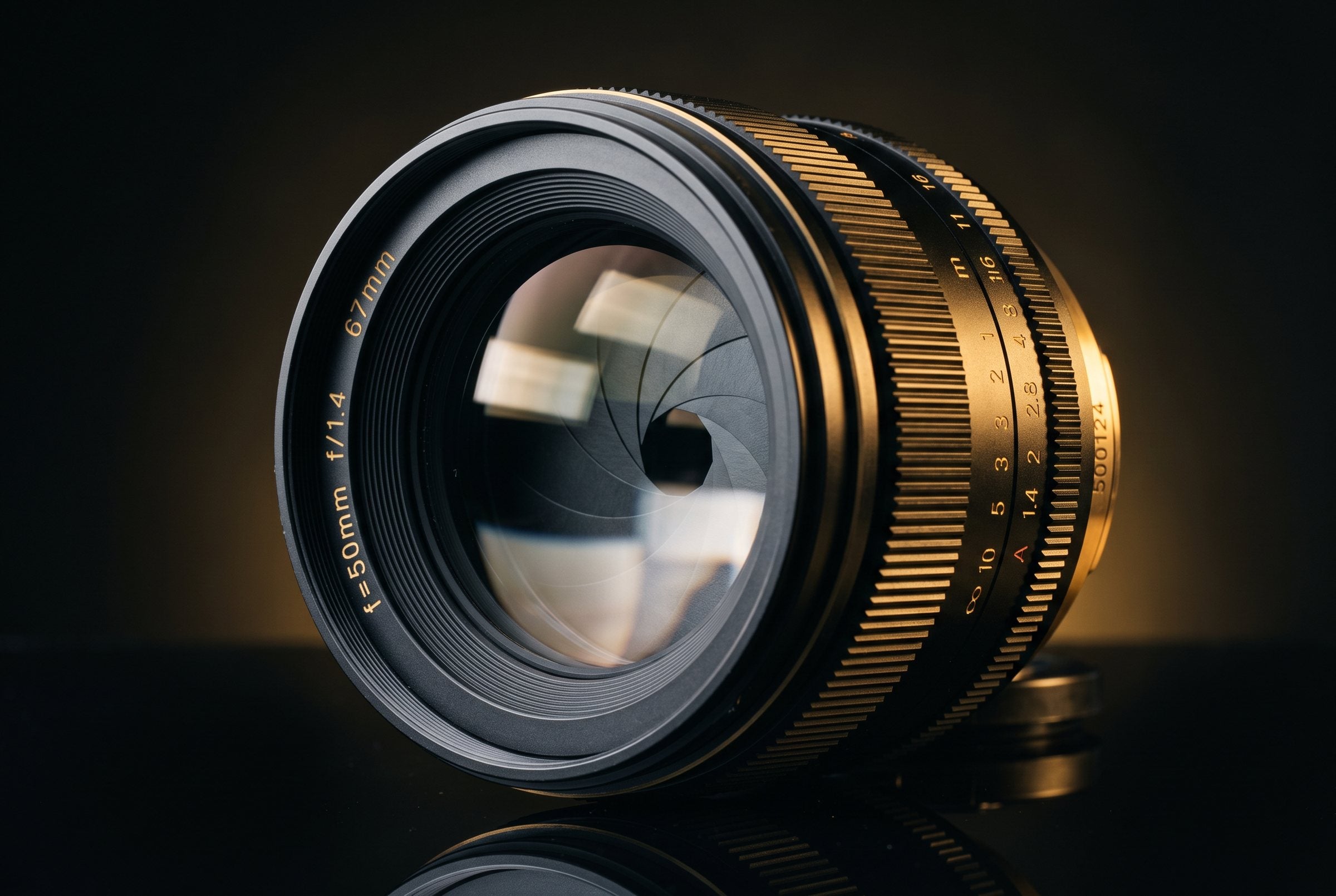
Photo studio clients rarely know what a lens choice changes or how many photos they will receive. We tested a site that shows the difference on screen and explains delivery, from 400 frames down to 24 files.
ConceptA fictional brand we designed end to end to test an idea. Not a client project; every feature on it works and you can open it live.
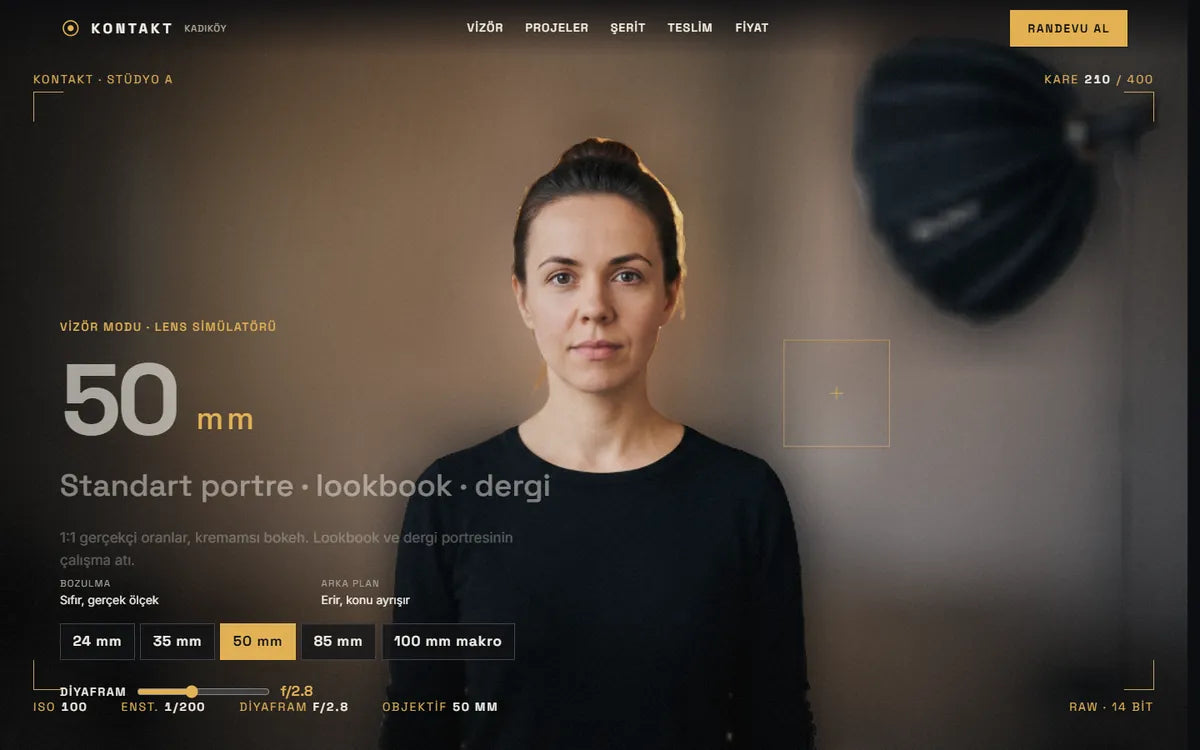
The same scene through the concept's five lenses, with the site's own notes.
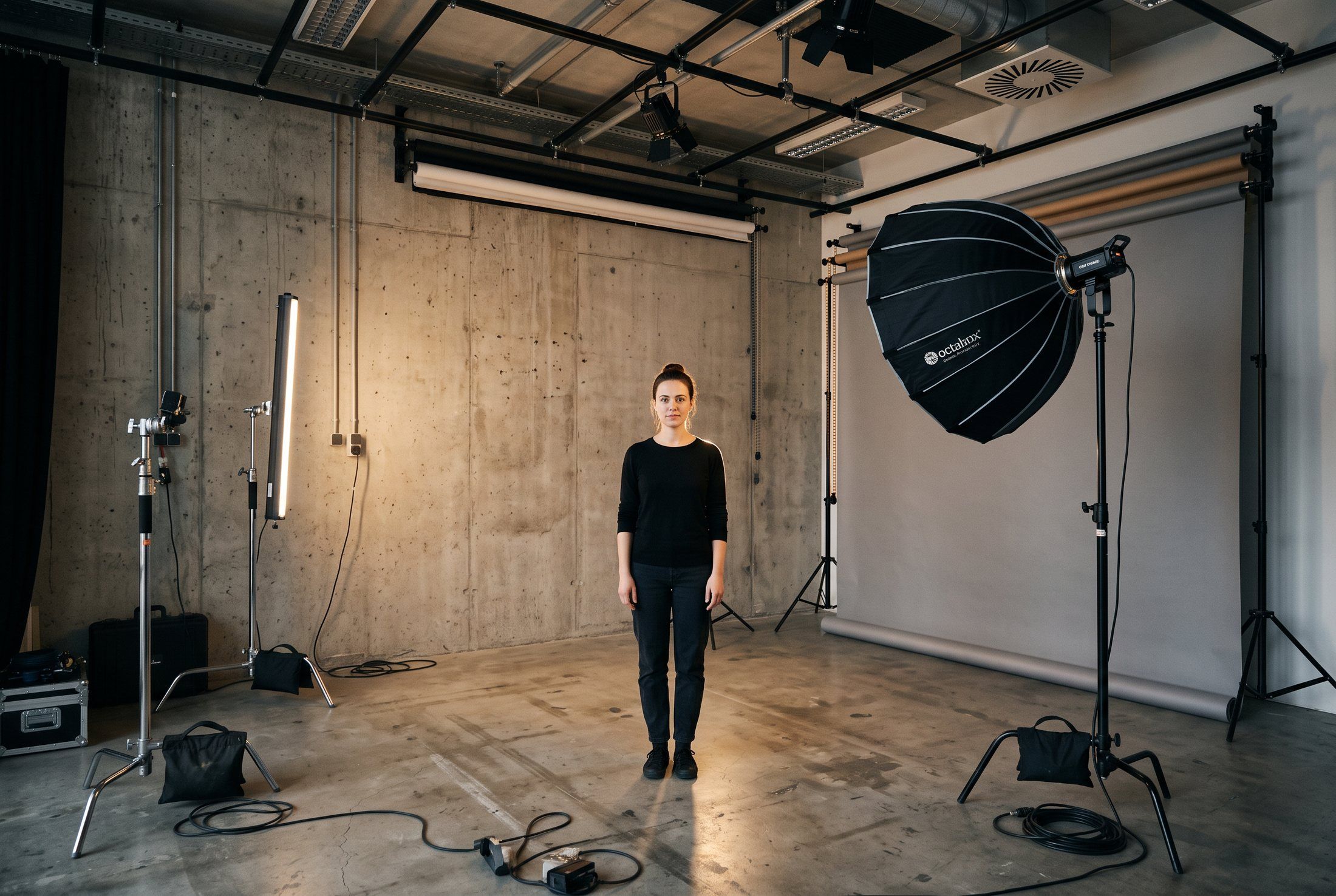
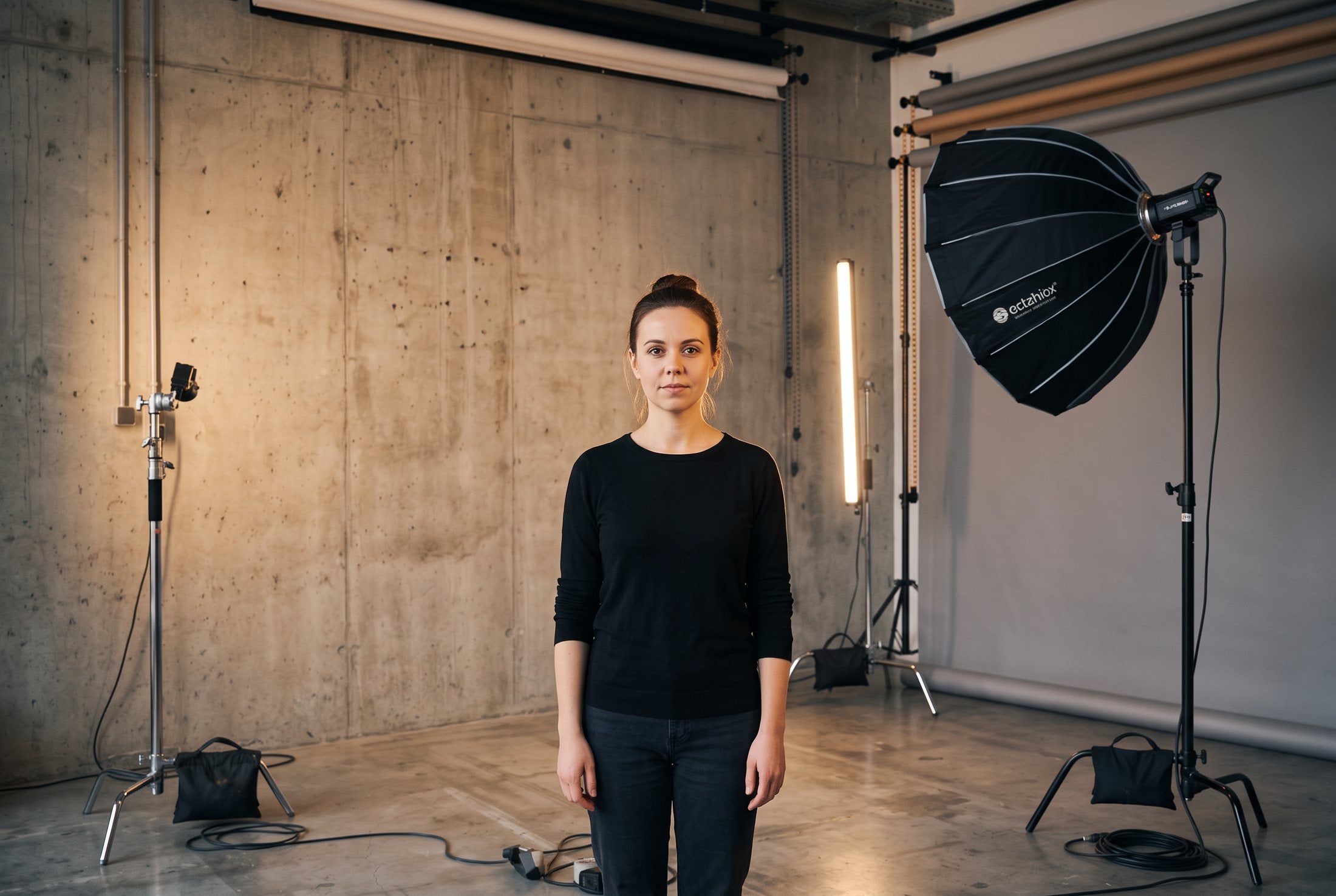
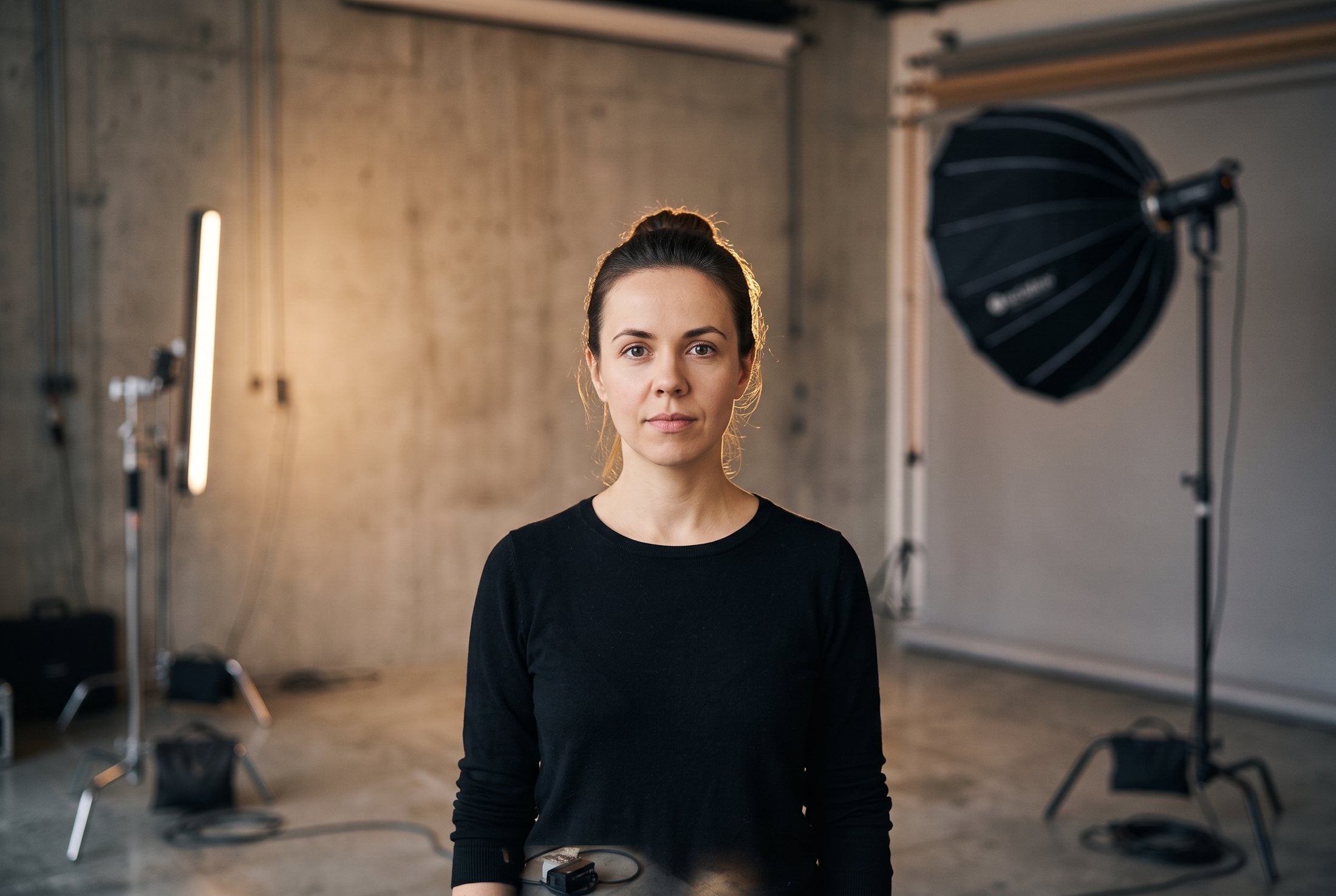

The page opens on a 3D lens; scrolling dives into it and the viewfinder switches between 24, 35, 50, 85 and 100 mm. Distortion, background blur and aperture change with each lens.
Fashion, product and architecture projects each list the lens, the light and the publishing permission date.
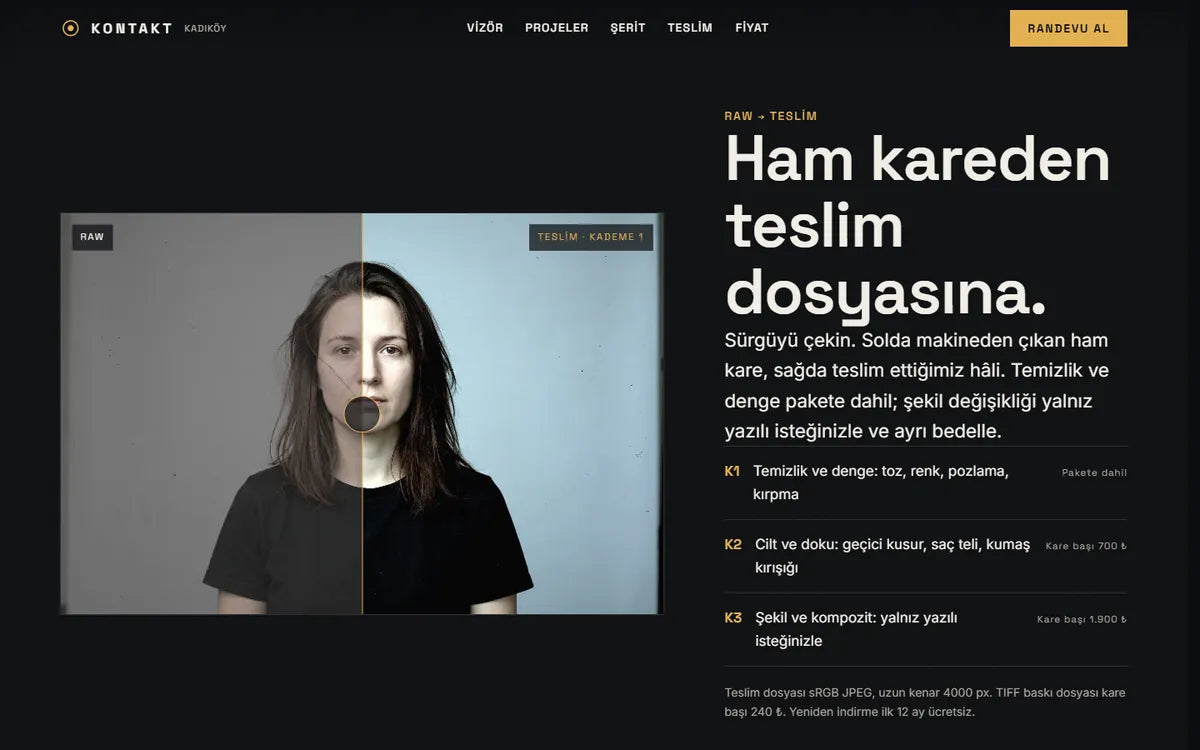
Drag to compare the raw frame with the delivered file and see what each retouch level costs.
The selection process is shown step by step, from the shoot day to the final 24 files.
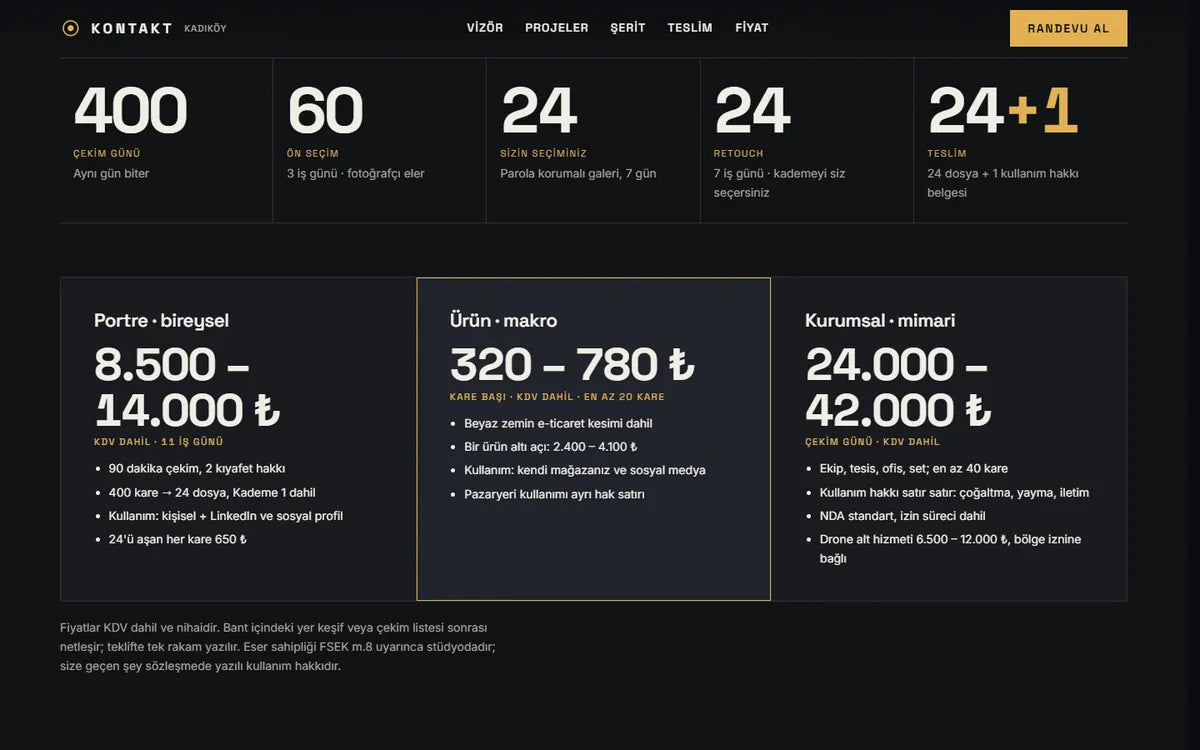
Portrait, product and corporate shoots each list a price range and exactly which usage is included.
The same studio scene changes from 24 to 100 mm as you scroll. Each lens names its use, distortion and background, and a table below lists all five.
Fashion, product and architecture each get a short film, the lenses and lights used, and a permission line under the frame.
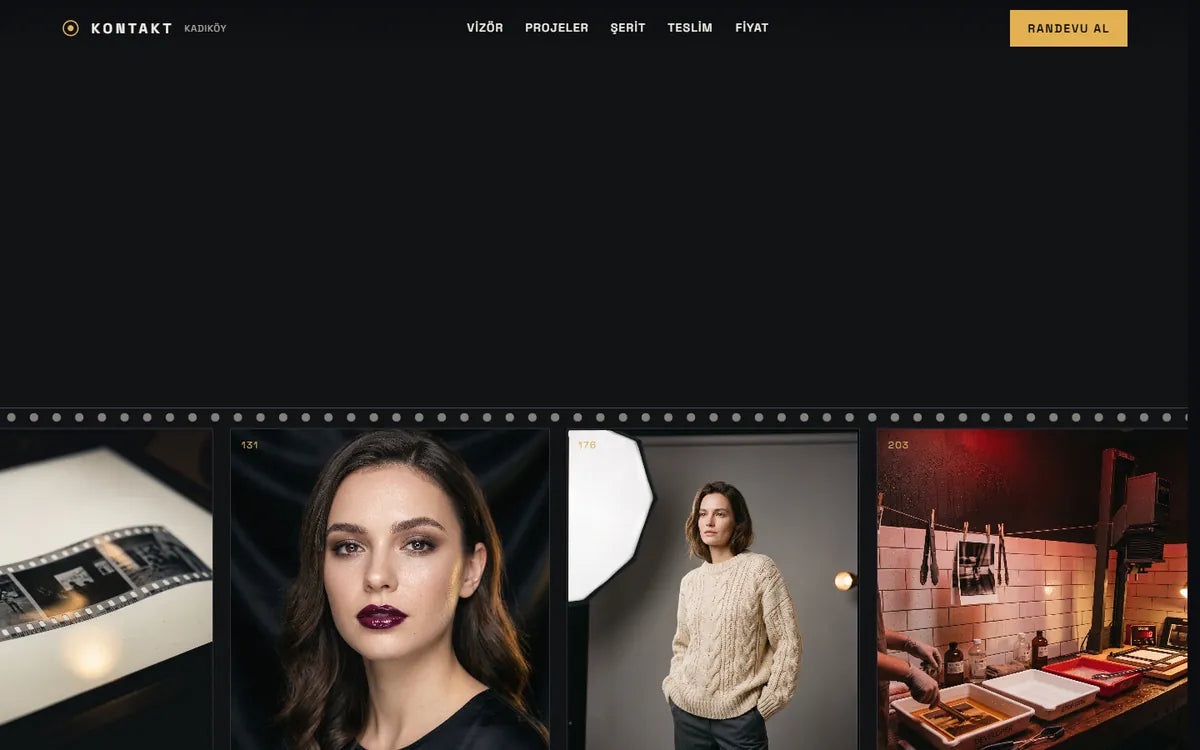
In the gallery the scroll turns sideways. Every frame is labelled with its lens and aperture.
A slider compares the raw file with the delivered one, next to three retouch levels and their prices per frame.
Selection is shown in five steps, and each of the three price bands lists the usage rights it includes.
TypicalA mixed gallery of the best shots
HereEvery frame labelled with lens and aperture
Typical“All photos delivered”, with no number
Here400 frames shot, 60 shortlisted, 24 files delivered
TypicalLeft to the contract
HereWritten under each price band
Counts are of what is on the concept site; they are not measurements.

This concept is also one of our ready-made web themes. Start from it instead of from scratch.
The theme files for one website.
We set it up with your content and launch it.
Files download right after payment.
A free 20-minute call. You leave with a clear next step, whether you work with us or not.