
Live keyer
Screen gain, clip black and white, softness and despill can be changed, and the matte updates.

Scrub a VFX shot on a timeline, switch between raw plate, matte and final, and adjust a live keyer.
A compositor's showreel shows the result but hides the work, which is what studios hire for. We tested a portfolio built like a compositing desk, where the visitor takes the shot apart layer by layer.
ConceptA fictional brand we designed end to end to test an idea. Not a client project; every feature on it works and you can open it live.
The slider from the concept's shot breakdowns, with the concept's own example shot.

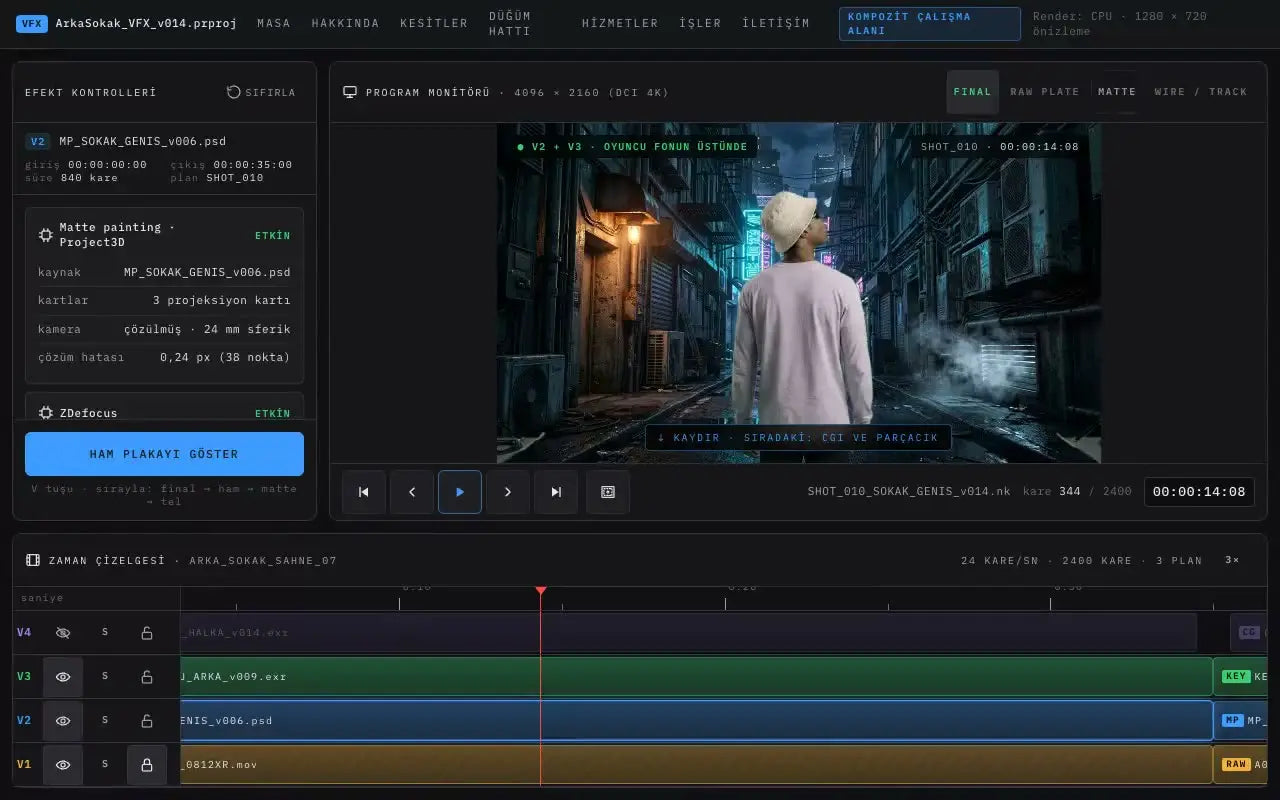
The site looks like editing software: effect controls, a monitor and a timeline with tracks V1 to V4. Clicking a clip opens its controls, and the green screen key is computed in the browser.
Screen gain, clip black and white, softness and despill can be changed, and the matte updates.
One key cycles the monitor through final, raw plate, matte and wireframe.
Each step, from lens distortion removal to film grain, is listed with its settings.
Space, arrow keys and J, K, L work as they do in editing software.
The first screen is laid out like editing software: effect controls on the left, the program monitor in the middle and four tracks below. Scrolling moves the playhead and the monitor shows the next layer.
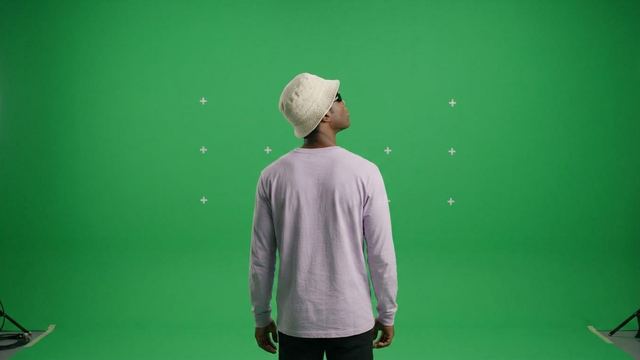
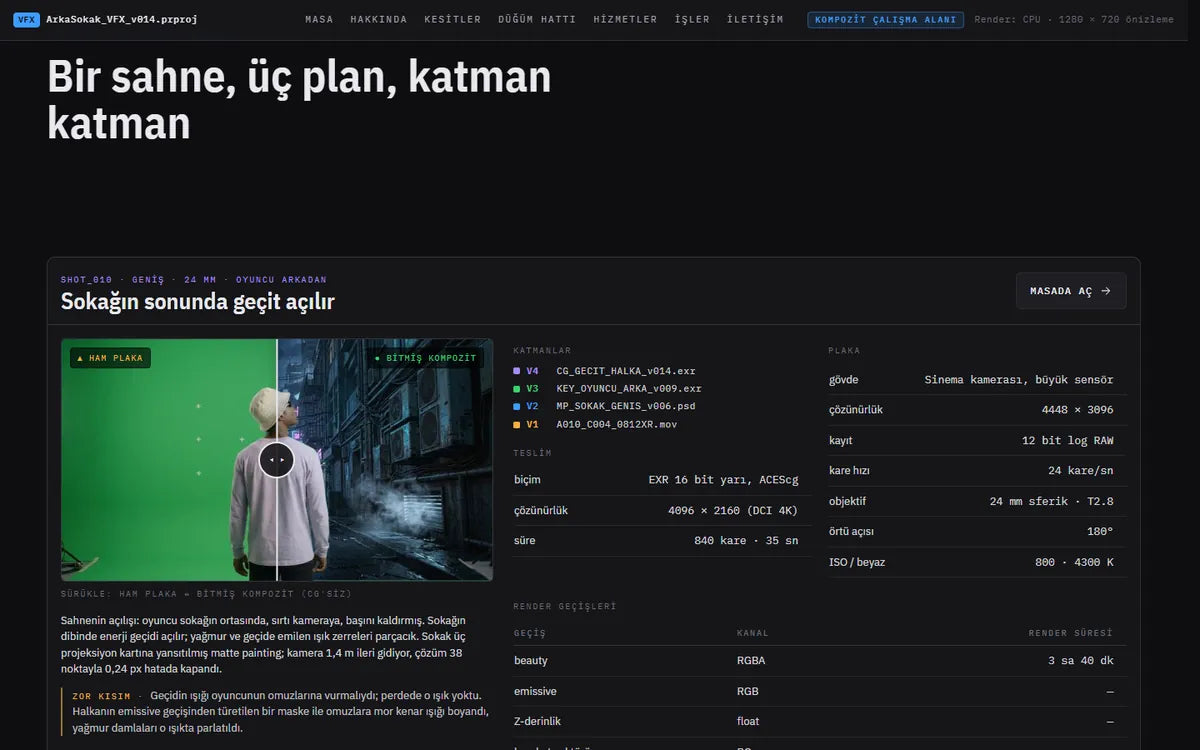
Each shot of the example scene has its own breakdown: a slider from the raw plate to the finished comp, the plate details, the passes it produced and the delivery format.
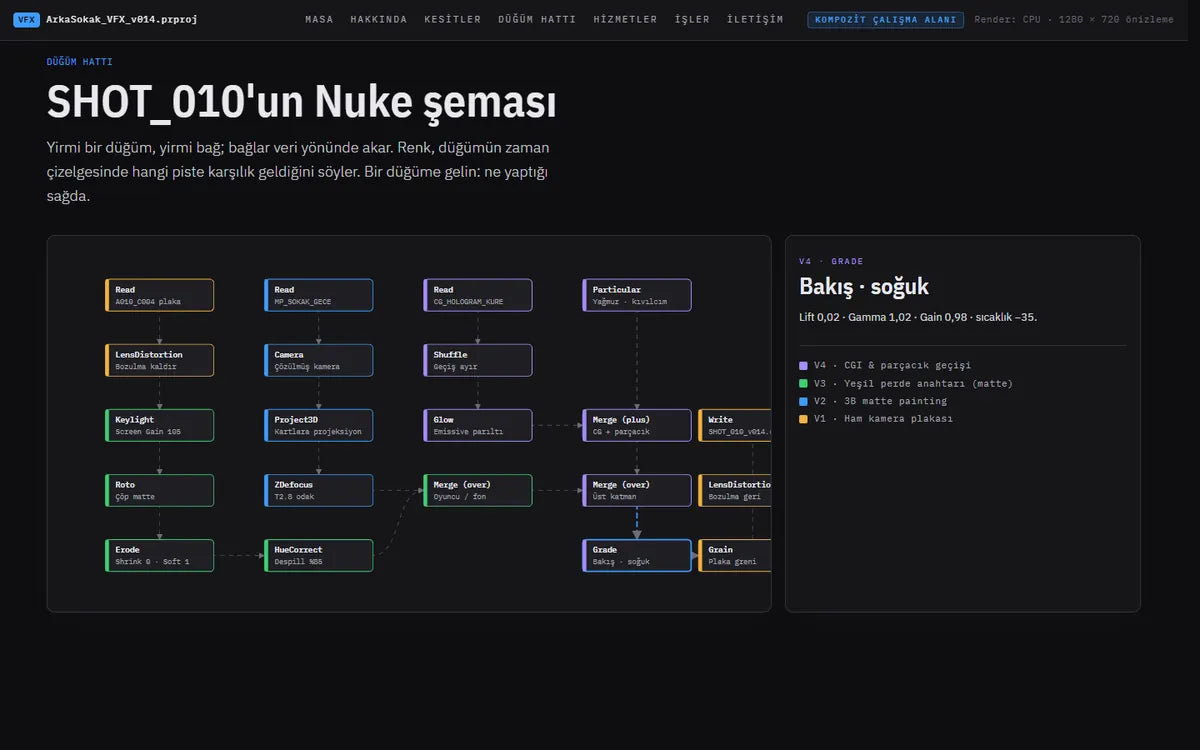
The first shot's script is drawn as a 21-node graph. Colours match the timeline tracks, and pointing at a node explains what it does on the right.
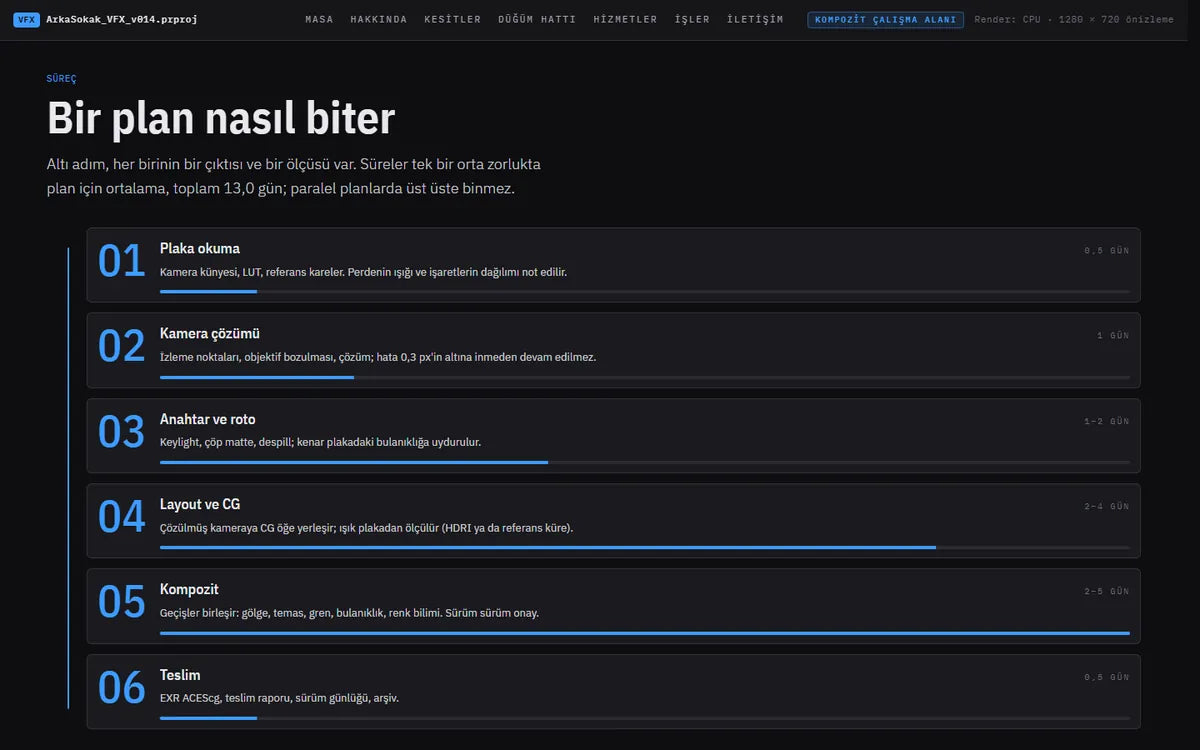
The work is described as six steps from reading the plate to delivery, each with its output and a duration bar. The services follow the same pattern: scope, delivery format and days per shot.
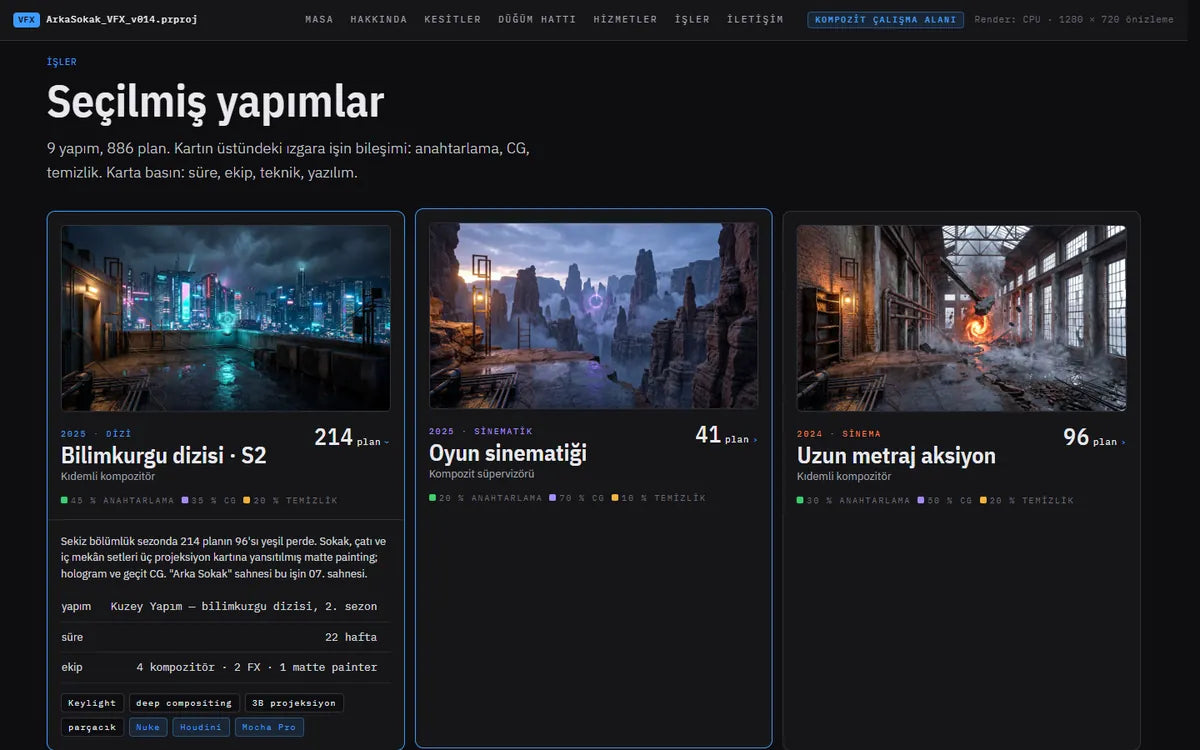
Nine productions sit in cards. A small grid on each card shows how the work split between keying, CG and clean-up; clicking a card opens the duration, team, techniques and software.
TypicalCompositor portfolios are often a single video of finished shots.
HereEach shot opens from the raw plate to the finished comp, with the layers and passes listed in between.
TypicalThe method is usually summed up as a list of software.
HereThe node graph of one shot is shown, with what each node does.
TypicalDurations and file formats are usually left for the first email.
HereEach service lists its days per shot and its delivery format on the page.
Counts are of what is on the concept site; they are not measurements.



This concept is also one of our ready-made web themes. Start from it instead of from scratch.
The theme files for one website.
We set it up with your content and launch it.
Files download right after payment.
A free 20-minute call. You leave with a clear next step, whether you work with us or not.